
Start here
First identify which mode leaves sediment. A grounds-mode filter problem and a damaged pod are different investigations. A little fine sediment is also different from a torn filter dumping grounds, so record what changed before cleaning or replacing parts.
Which observation matches?
Choose the closest observation. The complete decision list remains below.
Only grounds-mode coffee contains visible grounds
Inspect the single correct filter for tears, poor seating, excessive dose or overflow.
Only pod-mode coffee contains grounds
After cooling, inspect the spent pod for damage and verify that the pod type is supported. Do not probe the needles.
The first drink after switching modes has residue
Clean the removable components as the owner guide specifies before making another controlled comparison.
Both modes spill or overflow
Resolve the overflow or leakage first; do not continue brewing to collect more samples.
Safe checks, in order
- Record pod versus grounds mode and whether the particles are a light sediment or a large escape of grounds.
- After shutdown and cooling, inspect the filter or spent pod without reaching into any needle area.
- Clean the removable basket/adapter only by the manufacturer procedure. Avoid improvised metal tools and do not enlarge needle openings.
- Use one supported filter or one intact compatible pod for the next ordinary brew. Keep the brew size unchanged so the comparison means something.
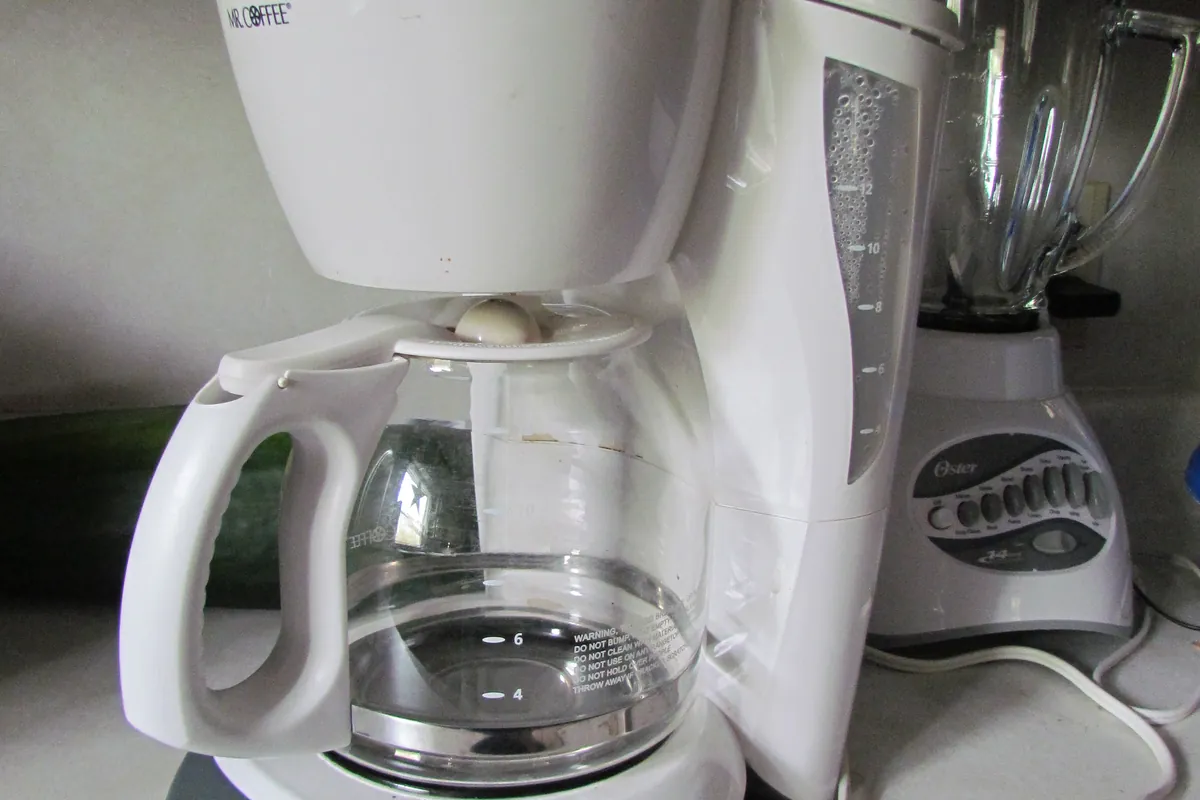
What the two-mode comparison tells you
If grounds mode is clean but pod mode is not, that narrows your next conversation with support. It does not identify a particular needle fault. If only an overloaded grounds basket produces particles, changing an internal part would miss the visible setup issue.
Keep useful evidence
Photograph the cooled spent pod or removed filter and note the coffee type. A photograph of an intact filter with grounds above its rim tells a different story from a torn filter. Do not deliberately repeat a hot overflow for evidence.
Use the matching manufacturer illustrations
The source links below identify the relevant manual or support page. No verified exact-model hands-on repair video is claimed on this page. Use the written decision list without imitating a different machine.
Open model-specific referencesStop and obtain help when
Stop for repeated pod rupture, a damaged adapter, hot spray, a jammed lid or a housing leak. Contact Ninja rather than bypassing the adapter lock.
Questions this diagnosis does not skip
Can I clean the needles with any paper clip?
Do not improvise. Use only the cleaning method specified for your exact adapter.
Should I buy a finer filter?
Confirm that the existing filter is the correct supported type and correctly seated first. Extra layers can worsen drainage.
References and evidence
- SharkNinja CFP300 series owner guide (manufacturer-authored PDF, mirrored copy)Applies to CFP300, CFP301, CFP305 and CFP355A; features vary. Original manufacturer document, not the mirror site's FAQ. See printed pages 12-23.
Manufacturer facts and procedures are referenced above; the observation comparisons are our diagnostic synthesis, not proof of a failed component. Photos are illustrative, not evidence of hands-on testing. Editorial standards | Report a correction.