
Quick diagnosis
Move the brewer to a known unswitched outlet and observe whether the display resets during heating or while idle. If other appliances remain stable and only the Cuisinart loses time, the cord connection, control board, or internal memory component may need service.
What this symptom usually means
A clock that resets usually indicates brief power loss, a loose plug, a switched outlet, or a failed backup component. Confirm power stability before reprogramming repeatedly.
Model-specific context: Many coffee makers have only brief outage memory. A switched receptacle or loose plug can look like a failed clock.
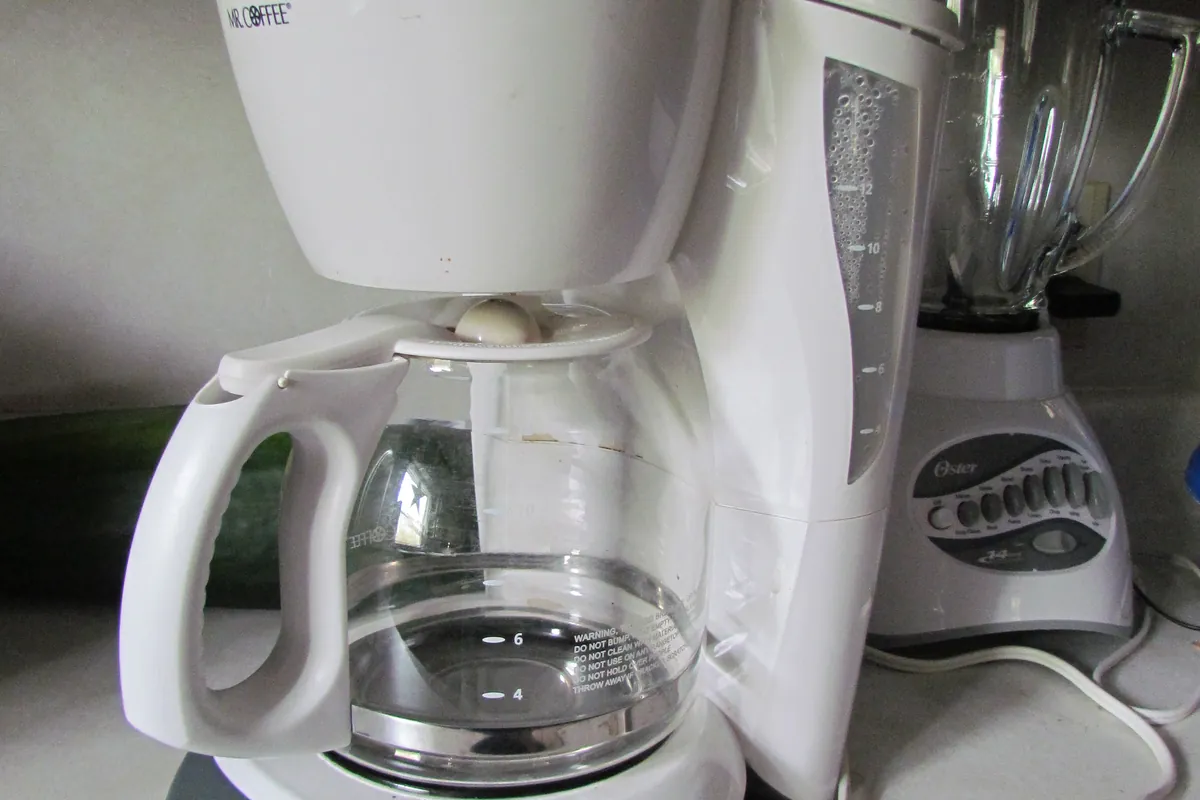
Clues to record before touching the machine
The fastest diagnosis comes from recording the machine's state before it is changed. Use your phone for a short video and write down whether the symptom occurs at startup, while heating, during grinding, after the pump starts, or during shutdown.
- Reset happens when brewer heats
- Wall switch controls the outlet
- Display flickers before reset
- Use a different direct wall outlet
- Check whether other kitchen clocks reset
Most likely causes, in diagnostic order
The list below is ordered from common and externally testable conditions toward causes that may need qualified service. It is not a replacement for the error table or safety instructions for your exact model.
- Brief power loss
- Loose outlet contact
- Internal memory or control fault
- Outlet is controlled by a wall switch
- Plug contact is loose
- Brief circuit interruptions occur
- Internal memory backup has failed
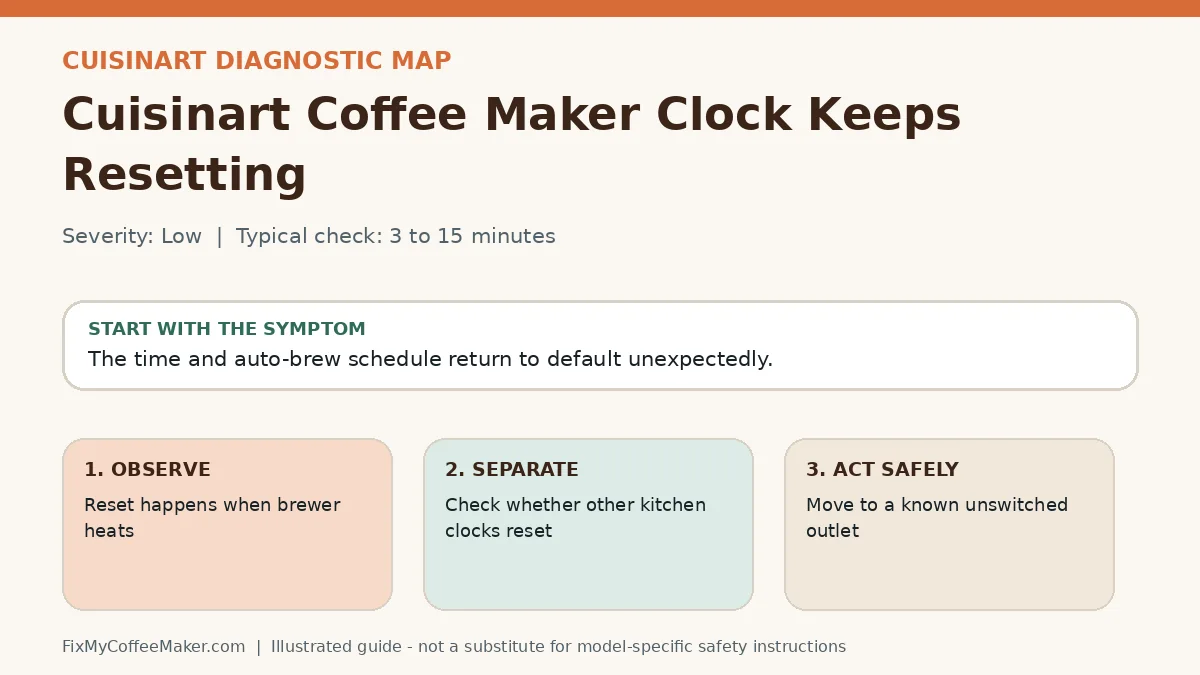
Owner-level observations and checks
Do not begin by replacing parts or repeating the full maintenance cycle. Complete these checks in order and stop if the machine behaves abnormally.
- Use a different direct wall outlet
- Check whether other kitchen clocks reset
- Gently verify the plug remains seated
- Set the clock and leave the machine idle
Illustrated video walkthrough
Original 8-second silent, captioned diagnostic animation. It is an illustrated decision guide, not footage of this exact machine.
Safe fixes, easiest first
- Move to a known unswitched outlet
- Avoid power strips with loose switches
- Reset time and auto-brew once
- Observe through one heating cycle
- If only this appliance resets, contact support
- Do not open the base to replace components
How to interpret what happens next
Stable on another outlet: the original circuit or receptacle is involved
Resets during heating: voltage drop or internal fault is possible
Only time resets but brewing works: memory circuit may have failed
Display flickers: discontinue use if accompanied by heat or odor
Common misdiagnosis
A software reset cannot hold time through actual power loss. Fix the power source or hardware cause first.
When to stop troubleshooting
Owner-level checks end when the next step would expose wiring, a heater, pressurized plumbing, sharp internal parts, or a sealed grinder. Stop and contact the manufacturer or a qualified appliance technician when any of these apply:
- Plug or outlet is hot
- Display sparks or flickers with odor
- Circuit trips
- Cord is damaged
Prevent the problem from returning
- Use a firm direct outlet
- Keep cord away from hot plates
- Document auto-brew settings
Sources and verification
This page paraphrases owner-level manufacturer guidance and adds an original symptom-first decision path. It does not reproduce a manual. Exact button sequences should always be checked against the model label and current official instructions.
- Cuisinart manuals and product support - official manufacturer information used to verify model terminology and owner-level procedures.
Editorial status: desk-researched against official support material; diagnostic media are original illustrations. We do not claim hands-on testing of this exact machine. See our evidence labels and report a correction.